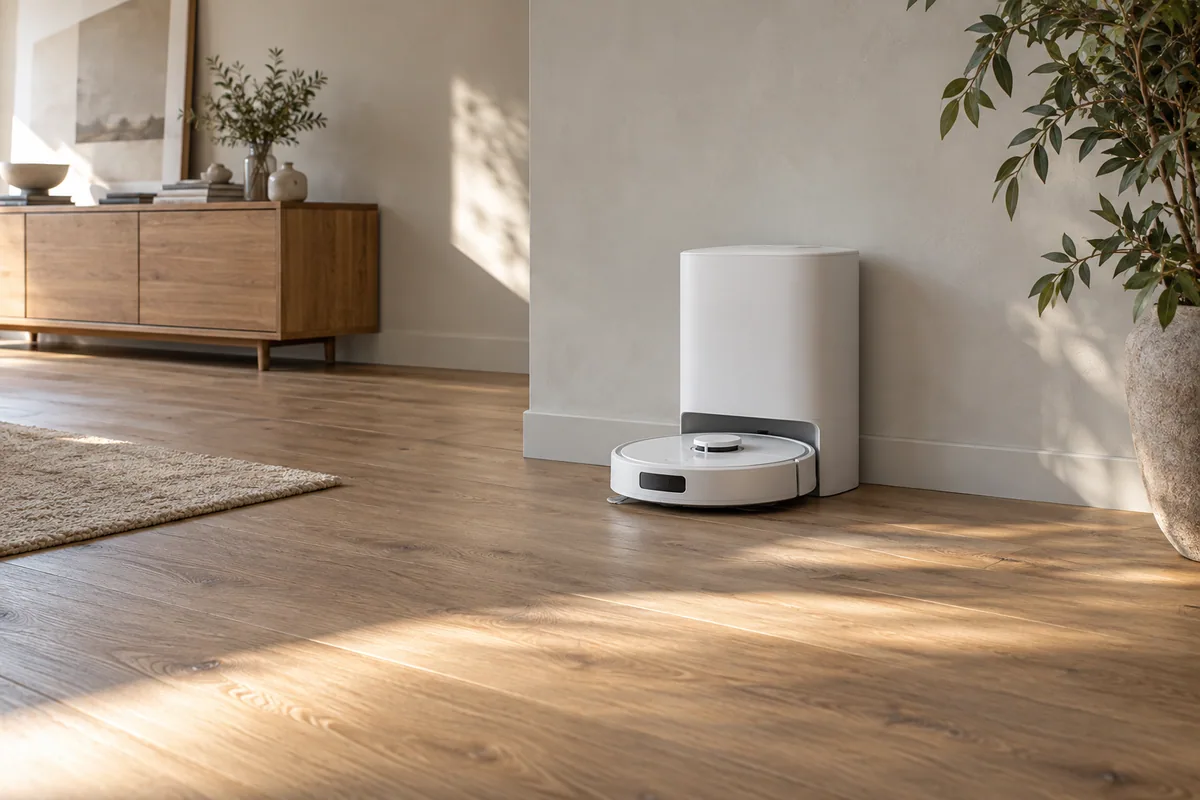
One compatible robot can clean two mapped floors, but it does not create a second charging, emptying or mop-washing station upstairs. Choose one carried robot when the upstairs work is occasional and you can manage the transfers and service returns. Consider a separate upstairs system when frequent cleaning needs to happen without those trips.
Keep three questions separate: a saved upstairs map can preserve layout information; a person must still transport a robot that cannot climb stairs; and a downstairs station cannot empty, wash, refill or charge a robot while it is upstairs. A second map therefore does not create a second serviced floor system.
Start with what each floor needs. A downstairs hard-floor kitchen and upstairs carpeted bedrooms may not need two identical vacuum-and-mop packages. The useful choice may be one mopping system downstairs and a simpler, suitable vacuuming system upstairs—or keeping one robot if its manual workflow is acceptable.
What a second map actually gives you
A saved map records a floor layout. It does not move the robot between levels or give it access to a station on another floor. Check your exact model's map-management support and off-station cleaning instructions; a brand's older support article is not a universal feature contract for every current model.
For example, eufy's E25/E28 guidance allows up to five saved maps with Multi-Map Saving enabled. It describes moving the robot to the other floor, returning it for water or mop service when needed, and bringing it back for self-cleaning afterward. Turning the map-saving setting off can replace the current map when a new one is created.
Dreame's general multi-floor guide also describes manual movement, possible dock returns for mop washing and a final return for charging. That article is general guidance, not confirmation of every current model's exact app sequence. Use the instructions for the robot and firmware you are buying before planning an unattended upstairs task.
A worked plan: vacuum upstairs twice a week
Consider this illustrative household plan:
- The station is downstairs beside the hard-floor rooms that need regular mopping.
- Upstairs needs vacuuming twice a week; its floors are permitted by the selected robot's guide.
- An upstairs run can finish on one charge without a dustbin-emptying trip in this assumed case.
- Someone can follow the manufacturer's handling instructions and move the robot between levels.
For each upstairs run, the owner carries the robot up before cleaning and down afterward. Two runs a week therefore mean at least four one-way transfers a week. Any mid-task charging, emptying or service return adds transfers; the example does not predict whether your home will need them.
| Plan | Upstairs vacuuming | Owner transport | Station service upstairs |
|---|---|---|---|
| One carried robot | Two scheduled owner-assisted sessions in this example | At least four one-way transfers weekly | None from the downstairs station |
| Separate suitable upstairs robot and station | Can be planned around that system's supported schedule | No routine floor-to-floor transfer for those sessions | Whatever the selected upstairs station actually provides |
Scroll the table horizontally to read every column.
This makes the decision concrete. If four transfers fit an existing cleaning routine, buying a second system may solve little. If those transfers are the reason upstairs is repeatedly left uncleaned, another system can address that practical constraint. It still needs its own charging location, permitted floors and owner maintenance.
Do not use a promised runtime or floor-area figure as proof that your upstairs run will finish without intervention. Room layout, mode and actual conditions matter. The one-charge assumption must remain an input to the plan until the selected system's use in that home is established.
Upstairs mopping is a different workload
An upstairs vacuum-only session and upstairs mopping do not ask the same thing of a robot. A mopping robot may need fresh water, cleaned mops and a return for washing during the task. If its station stays downstairs, those services are not available automatically on the upstairs map. eufy's model-specific instructions describe that manual return/refill work for the E25/E28.
Before buying, write a short task plan: where the robot starts, which cleaning mode it uses, what service it can reach during that task and where it finishes. If the answer depends on someone being home to carry it down for mop care, that is an owner-assisted arrangement. Do not describe it as an independently serviced second floor.
If both levels need frequent mopping while everyone is out, price complete suitable systems for both levels. If only the kitchen needs mopping, do not pay for a second wash station merely to make the two floors look symmetrical on a shopping list.
Compare the extra purchase, not two identical headline prices
Use assumed prices to see the distinction. One downstairs mopping system at $900 costs $900 upfront. Adding a suitable upstairs vacuuming system at an assumed $400 makes the two-system purchase $1,300. The extra upfront merchandise cost is $400, rather than another $900, because this example does not buy a second identical mop station.
Replace those assumptions with equivalent eligible offers for the systems you actually need. The example excludes tax, shipping, supplies and future repairs; it is not a current quote, ownership-cost forecast or claim that every $400 robot suits your upstairs floors.
If you already own the downstairs system, its original purchase price is not a new expense caused by this decision. Compare keeping it and carrying it against the additional upstairs purchase. Include a second set of bags, filters or mop parts where that system uses them. Do not assume the two models share consumables or that a spare dock is compatible.
A second dock is not automatically a second system
Before buying a dock alone, obtain the manufacturer's confirmation of the exact robot, dock part number, region and supported multiple-dock behavior. Physical resemblance or a charging contact that looks familiar does not establish compatibility. A charging-only dock also does not add automatic emptying or mop washing.
The general Roborock multi-level support article uses an S7 example and names a specific supported-model list. Its instructions should not be silently transferred to every newer Roborock. Check the selected model's current documentation, especially if the purchase depends on automatic map selection or mop service at another dock.
Two separate systems avoid the need to share one robot's charge and task time between floors, but they do not remove preparation and maintenance. Each floor still needs a suitable station location, clear access and the precautions required by its model's guide.
Choose around the task you can sustain
Keep one robot when its supported off-station workflow suits the upstairs task and the required handling is manageable. A small amount of occasional vacuuming can be a reasonable use of a robot you already own.
Consider a second suitable system when upstairs cleaning needs to run frequently without an owner moving the robot, when both levels need reachable mop service, or when carrying is not practical. Match the second purchase to that floor's job. A second map is inexpensive in hardware terms; independently available charging and cleaning service is a different purchase.